

Product Support
How Can We Help You?
Access training materials, troubleshooting guides, and product documentation for all Redux devices.
Find Your ProductSupport options
Select Your Product
Choose your Redux device to access product-specific support resources
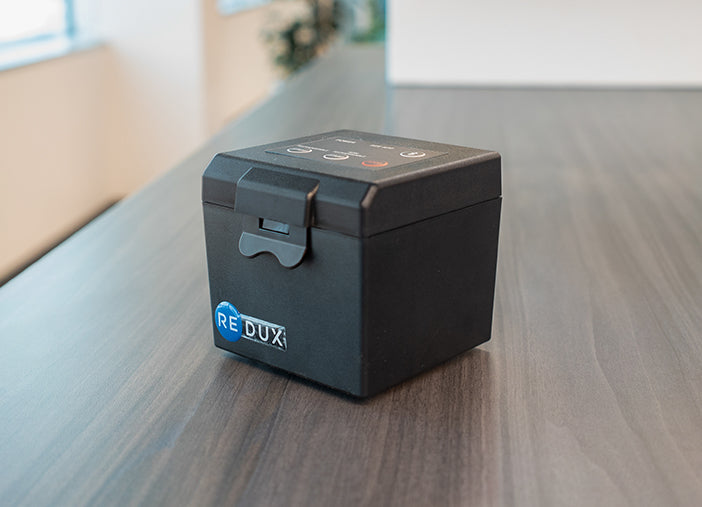 PRO
PRORedux™ Pro Link
Hearing Device Dryer
View Support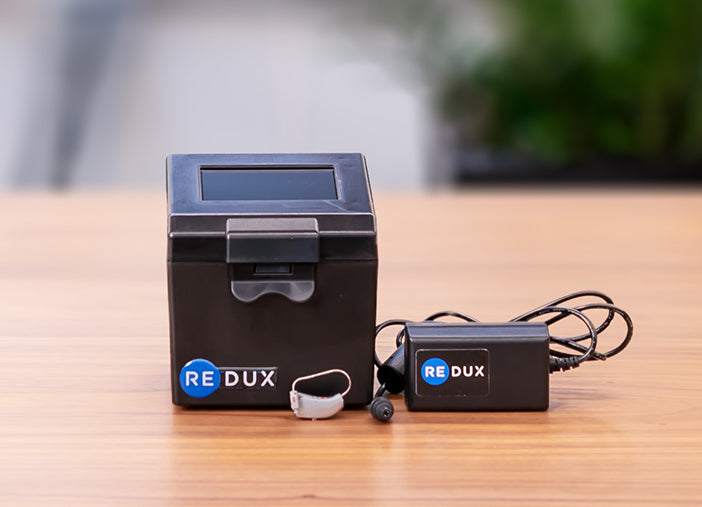 PRO
PRORedux™ Pro
Hearing Device Dryer
View Support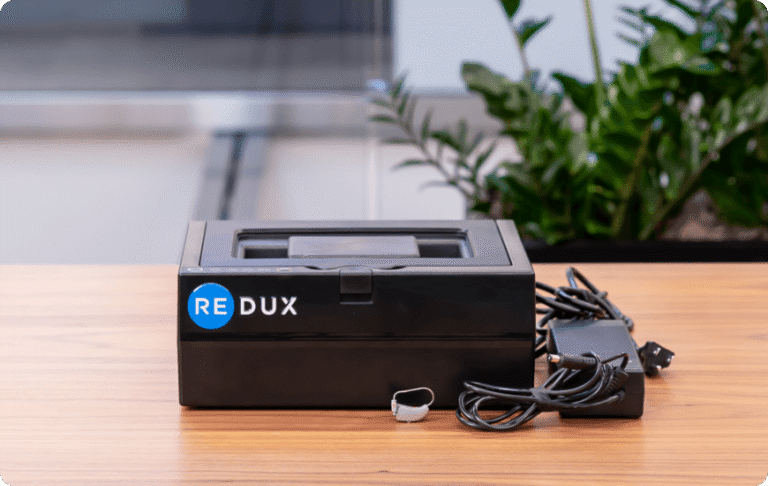 PRO
PRORedux™ XH
Hearing Device Dryer
View Support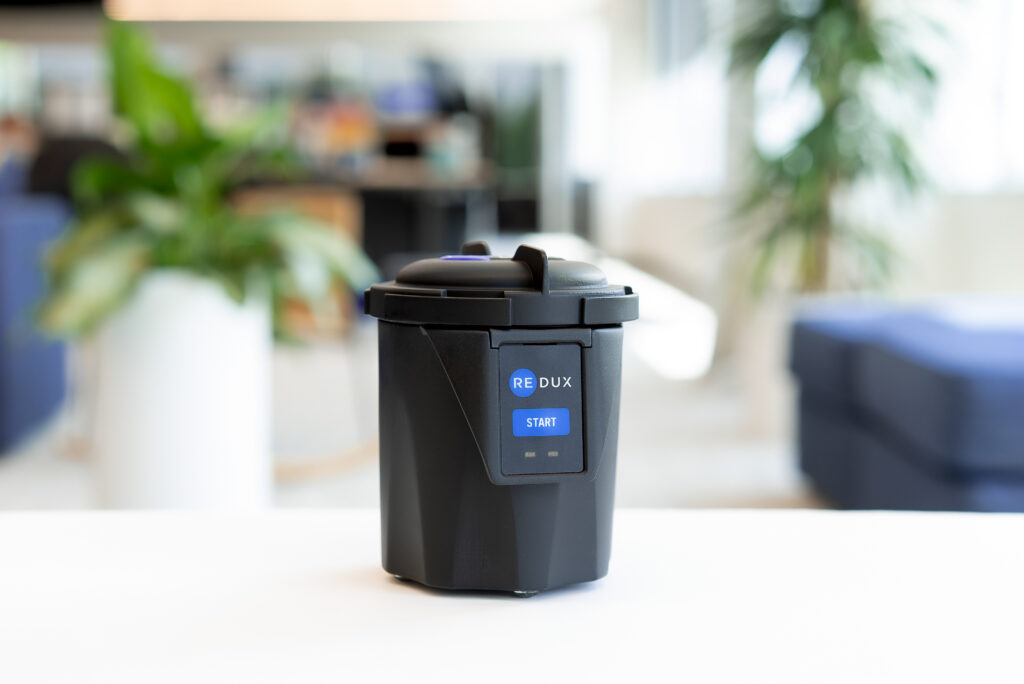
Redux™ Home
Hearing Device Dryer
View Support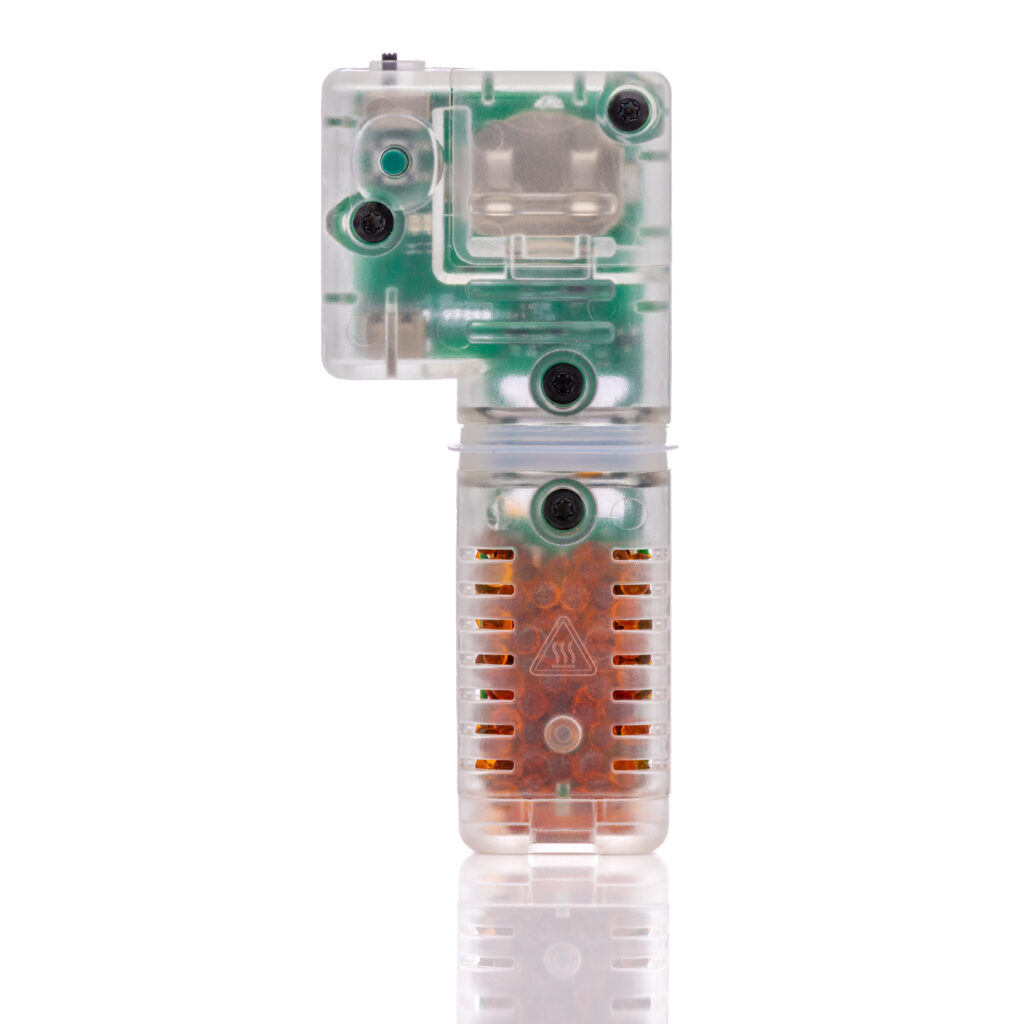 NEW
NEWRedux DryBuddy™
Hearing Device Dryer
View Support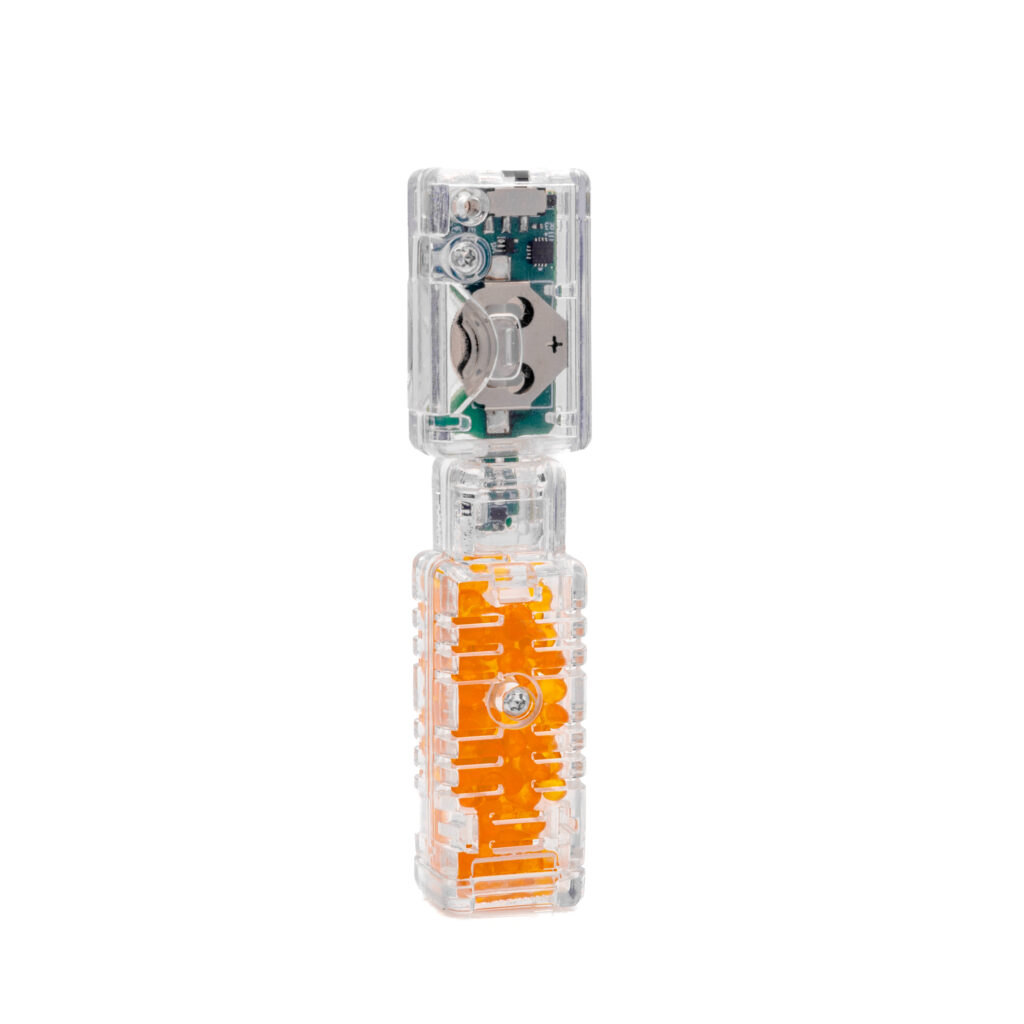 NEW
NEWRedux DryBuddy™ Mini
Hearing Device Dryer
View Support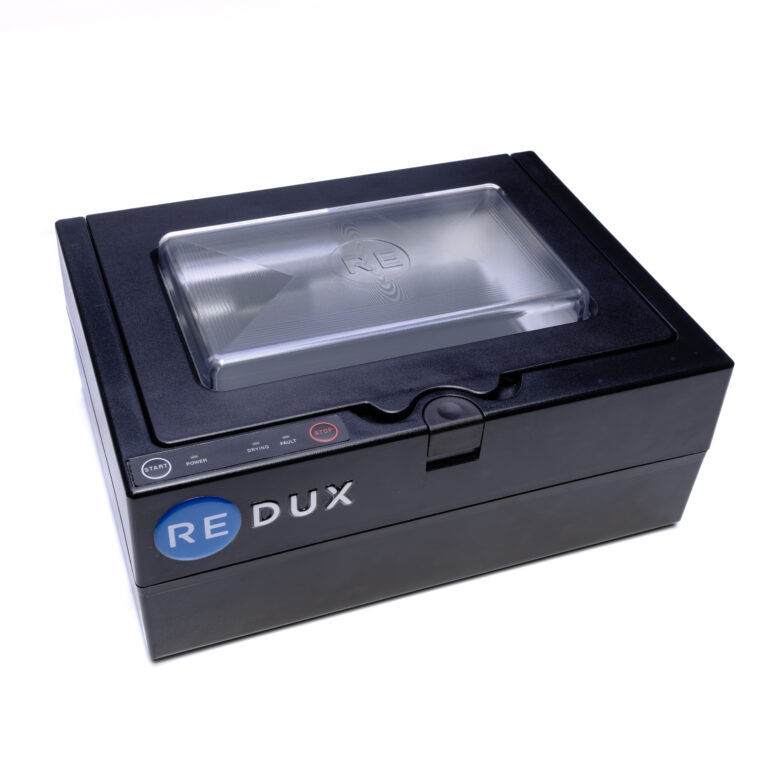 PRO
PRORedux™ Phone
Phone Dryer
View Support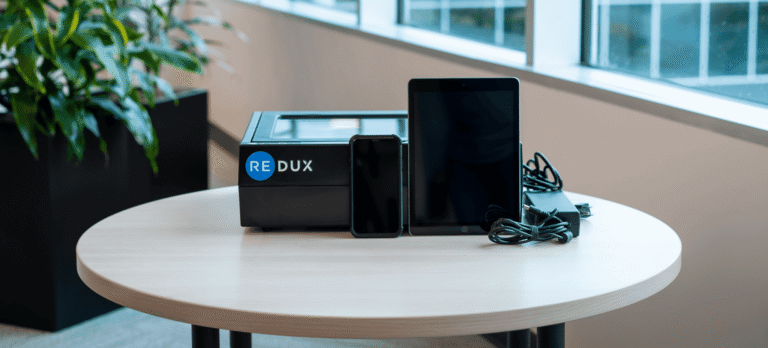 PRO
PRORedux™ Phone & Tablet
Phone and Tablet Dryer
View Support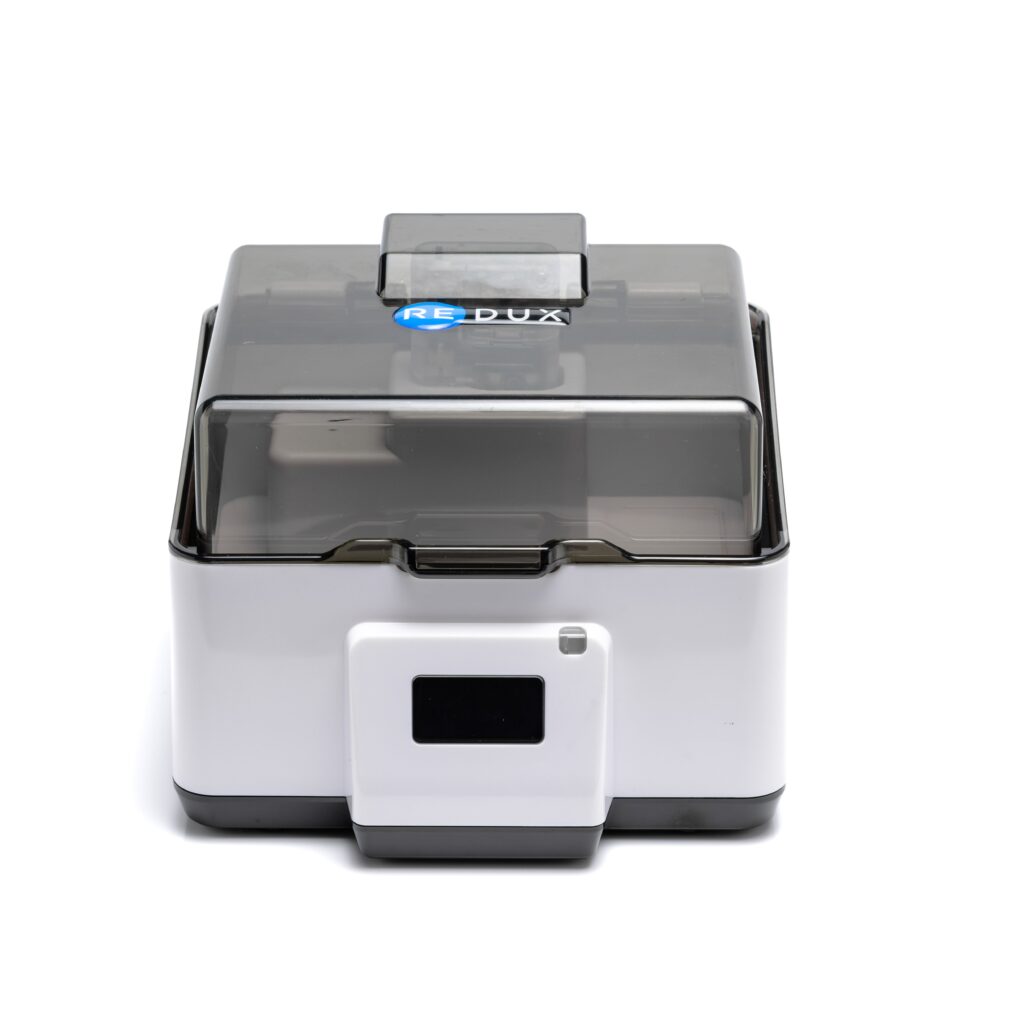
Redux Ultra™
Phone and Hearing Device Dryer
View Support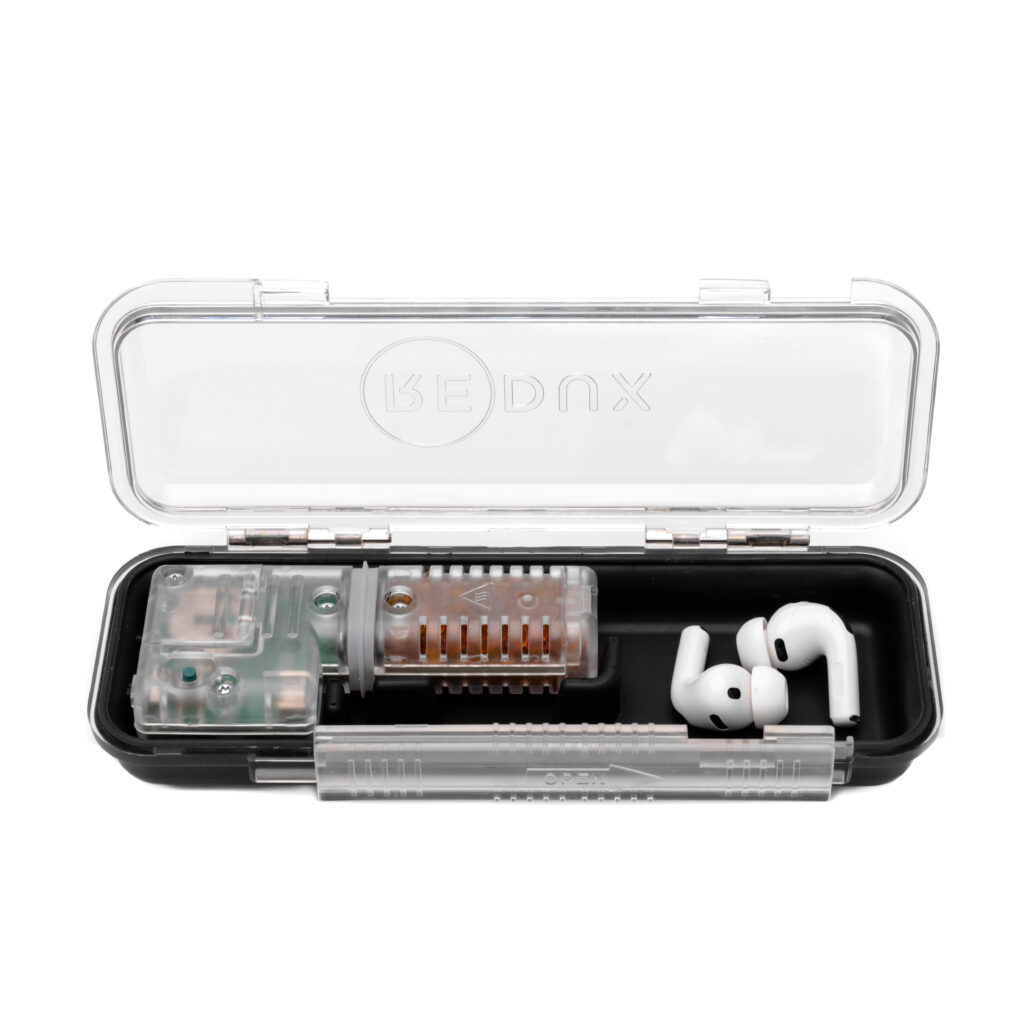 NEW
NEWRedux Veri-Dry™
Hearing Device Dryer
View SupportFrequently Asked Questions
Quick answers to common questions
How long does a Redux treatment cycle take?
It depends on the dryer.
- Professional dryers (Pro, Pro Link, XH): 6 to 8 minutes on average. Most treatments fall between 3 and 12 minutes.
- Redux Home Dryer: about 2 hours.
- Redux Ultra Dry & Charge: overnight. The first cycle can take up to 12 hours, later cycles average 6 to 8 hours, and a reactivation cycle adds about 3 hours.
- Redux DryBox: at least 30 minutes. It stops automatically at 100% dry.
- Redux Veri-Dry: 3 to 6 hours.
- Redux DryBuddy: 3 to 6 hours.
Do Redux dryers need to be plugged in?
Redux Home, Redux Ultra, DryBox, and the professional dryers (Pro, Pro Link, XH) all run on wall power. Veri-Dry and DryBuddy dry without an outlet, using a small battery and reactivatable Electronic Rice. Reactivating the DryBuddy does need wall power.
What do the error codes on my Redux device mean?
12C: Unplug your Redux system for 15 seconds. Plug it back in and retry treatment.
Vac Fault: Locate the orange rubber gasket inside the chamber. Clean the gasket and the inside top of the lid using a damp towel or alcohol prep pad. Wait 30 seconds, then retry.
SPI / Display Issues: Unplug your Redux system for 15 seconds. Plug it back in and retry treatment.
Vac Fault: Locate the orange rubber gasket inside the chamber. Clean the gasket and the inside top of the lid using a damp towel or alcohol prep pad. Wait 30 seconds, then retry.
SPI / Display Issues: Unplug your Redux system for 15 seconds. Plug it back in and retry treatment.
Can Redux be used on cochlear implants?
Yes! Redux is safe and effective for cochlear implant processors and accessories. The vacuum-based drying process is gentle on all hearing device types and does not use heat that could damage sensitive components.
How often should I run my hearing aids through Redux?
For optimal performance, we recommend professional Redux treatment at every appointment, or at minimum once per month. For home users with the Redux Home dryer, daily overnight use is recommended to prevent moisture buildup.
What's included with my Redux device?
Each Redux device includes the main drying unit, power supply, and quick start guide. Professional models (Pro, Pro Link, XH) also include USB connectivity cables for data tracking and software updates. Check your specific product support page for the complete packing list.
How much moisture can Redux devices remove?
Consumer Redux devices (Home, DryBuddy, DryBuddy Mini, Ultra, Veri-Dry) are designed to handle normal moisture exposure like splashing, daily sweating, humidity, and light rain.
For severe water exposure-like dunking in a lake, swimming pool, or toilet-vacuum drying is the most efficient solution. Find a professional Redux provider near you for immediate treatment with our professional-grade vacuum dryers.
For severe water exposure-like dunking in a lake, swimming pool, or toilet-vacuum drying is the most efficient solution. Find a professional Redux provider near you for immediate treatment with our professional-grade vacuum dryers.
How do I clean and maintain my Redux device?
Clean the chamber and lid with a soft, damp cloth or alcohol prep pad weekly. Pay special attention to the rubber gasket seal. Never submerge the device in water. Keep the ventilation ports clear of dust and debris. For detailed maintenance instructions, see your product-specific support page.
My Redux Pro/Pro Link has a calibration option. What is it?
The Redux Pro and Pro Link are equipped with a calibration feature which allows for greater accuracy in reporting moisture removal. It helps by accounting for local ambient humidity conditions. Calibration enables reporting below 0.5ul. The Pro display screen will indicate if the machine is calibrated. Using calibration is not required and does not affect complete moisture removal. Remember, it's important to always keep the lid closed on your Redux machine at all times.
Still Need Help?
Our support team is here to assist you with any questions about your Redux device. Send us a message and we'll get back to you as soon as possible.