

Drying in Progress
Device is performing a dry cycle. Auto-shuts off after 20 hours. Typical cycle ~6 hours (varies by load).
Portable desiccant-based drying for hearing aids and small electronics. Features rechargeable Electronic Rice beads with USB-C powered reactivation.
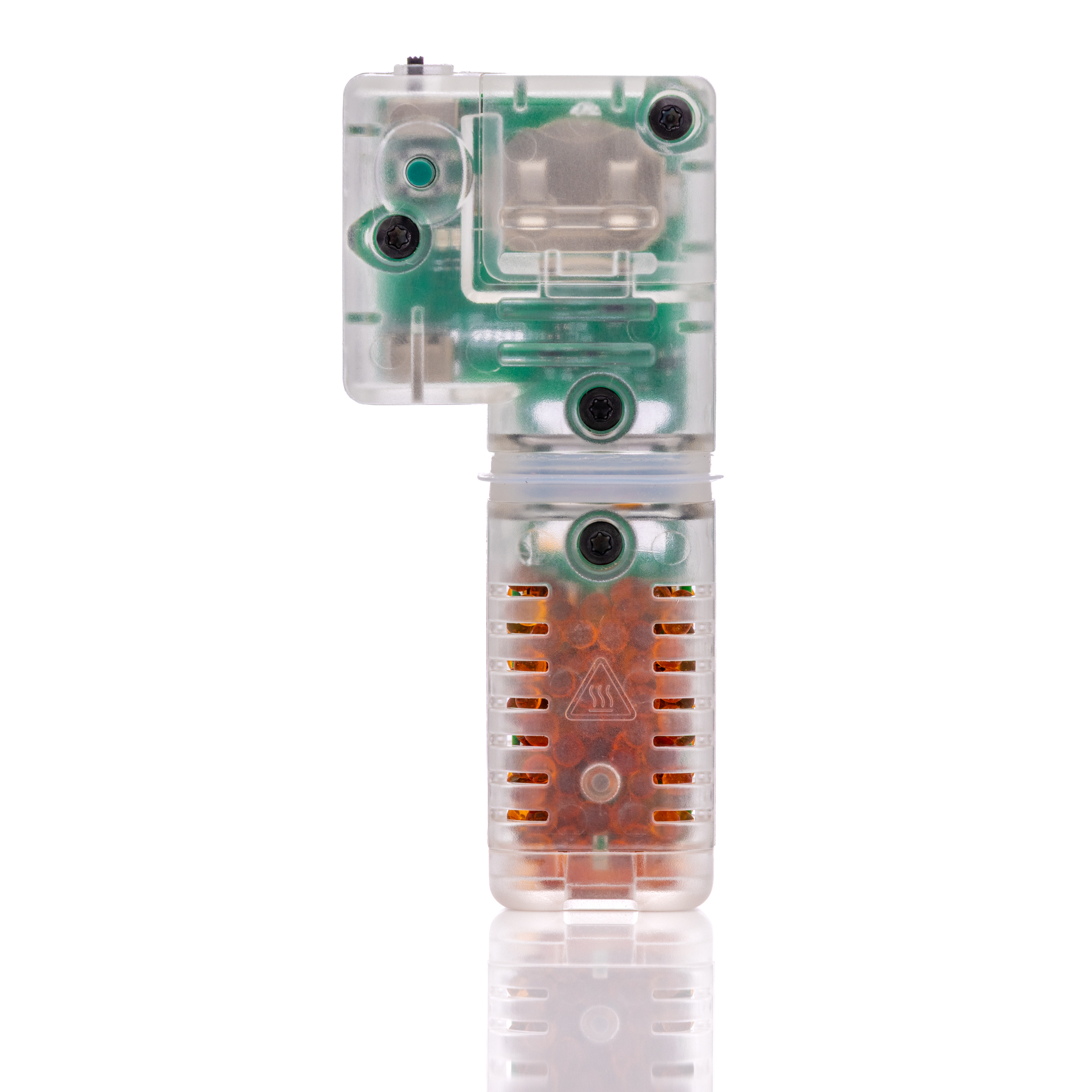
Understanding your DryBuddy's status lights
Device is performing a dry cycle. Auto-shuts off after 20 hours. Typical cycle ~6 hours (varies by load).
Green LED remains on for 4 hours once drying is finished, then both LEDs turn off. Remove your devices.
Device is powered but inactive. Slide switch OFF to fully power down and save CR2032 battery life.
Electronic Rice beads are saturated. Perform reactivation using the USB-C sleeve (see Care Guide tab).
Beads are regenerating in sleeve. Process takes 2.5 hours—allow to complete fully.
Beads are refreshed and ready. Allow sleeve to cool for 10 minutes before reinstalling.
Power OFF, wait 10 seconds, then power ON. If not resolved, contact Support@redux.com
Quick solutions to common issues
Dead or missing battery
Install fresh CR2032 coin cell battery (check polarity)
Device stuck in error state
Cable or adapter incompatible or damaged
When you see a solid red light, follow these steps to regenerate the desiccant beads
Your DryBUDDY comes fully pre-activated and ready for immediate use right out of the box. The Electronic Rice beads are already charged and at maximum drying power for your first cycle.
Important: Opening DryBUDDY before you're ready to use it will expose the beads to ambient moisture, reducing first-use drying power. Keep the device sealed until needed.
If you've already opened DryBUDDY early, don't worry—performing a reactivation cycle (instructions below) will restore the beads to full performance.
Slide the power switch to OFF position.
Plug the supplied USB-C cable into the DryBuddy USB-C port and a 5V-500mA USB power adapter or USB outlet.
Slide the included reactivation sleeve fully onto the DryBuddy housing. The sleeve contains a built-in heating element powered by the USB-C connection that heats the beads to release absorbed moisture. When properly inserted, the reactivation process begins automatically.
The red LED will blink (1s on / 1s off). When the red LED turns OFF and the green LED turns ON (solid), reactivation is complete.
Unplug power and allow the sleeve and beads to cool for 10 minutes before use.
Important: Some USB power adapters that support multiple voltages (e.g., "fast chargers" or USB Power Delivery/PD) may not initiate reactivation. DryBuddy does not communicate with smart adapters, so they may fail to supply power. Use a fixed 5V adapter.
Our support team is ready to assist you with any questions about your Redux DryBuddy.