

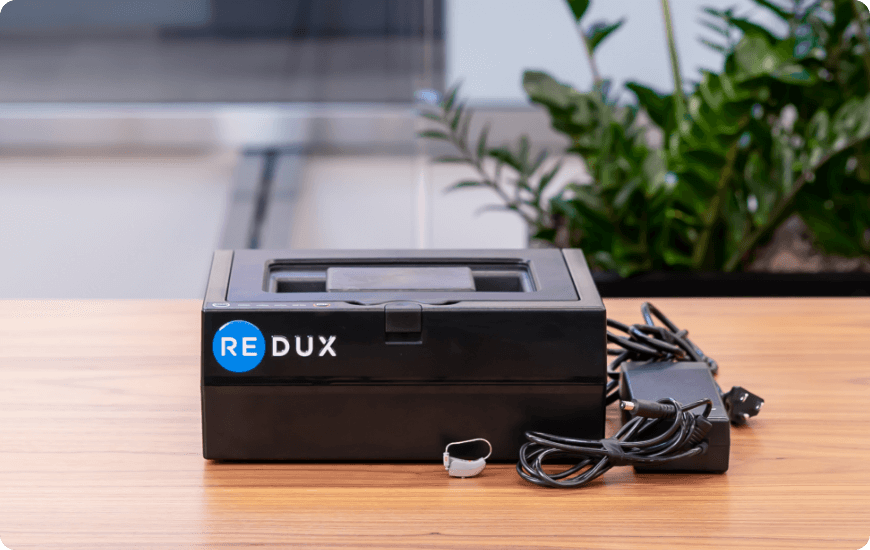
First Time Wi-Fi Connection
- Search for available Wi-Fi networks from a phone, tablet, or computer. Connect to the network starting with "Redux-Xh-R". Enter password: Redux123. You may see a "no internet access" notification — this is normal.
- While connected to "Redux-Xh-R", open a browser and go to Reduxdry.net. Select "Connect to Wi-Fi", choose your network, enter password, and click Save.
- The "Redux-Xh-R" network should disappear and your device will reconnect to your Wi-Fi. If "Redux-Xh-R" reappears, the password was incorrect — repeat step 2.